08:00 · Features
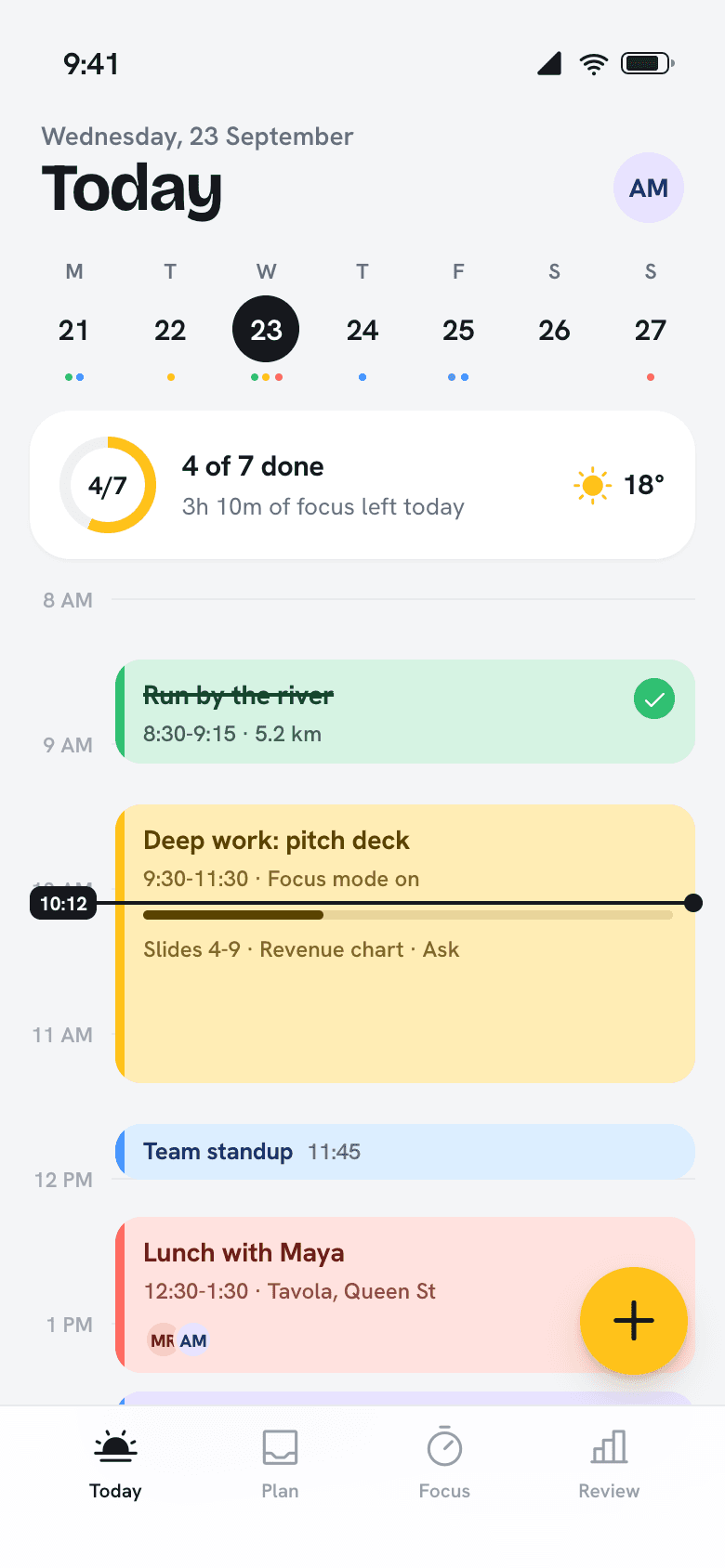
Everything that happens in a day, on one timeline.
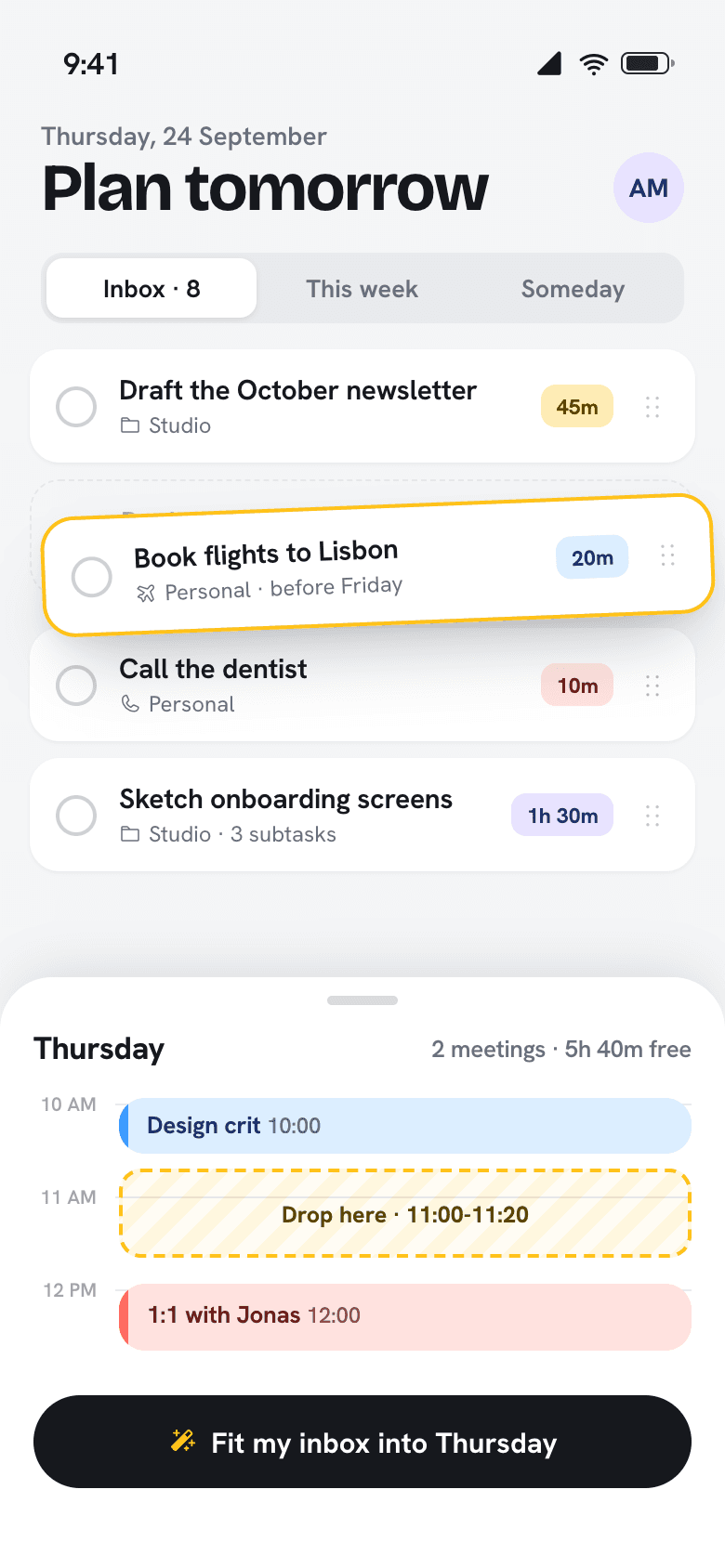
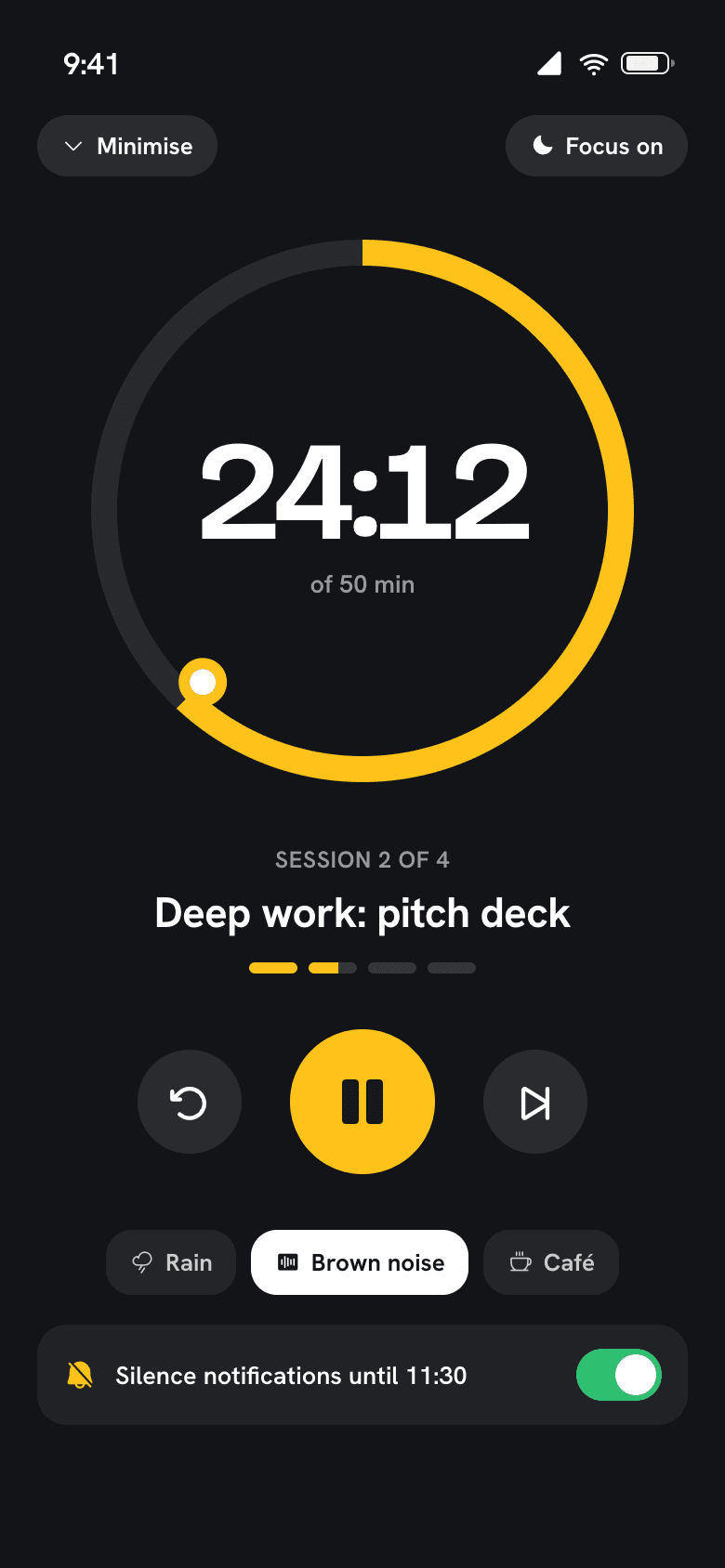
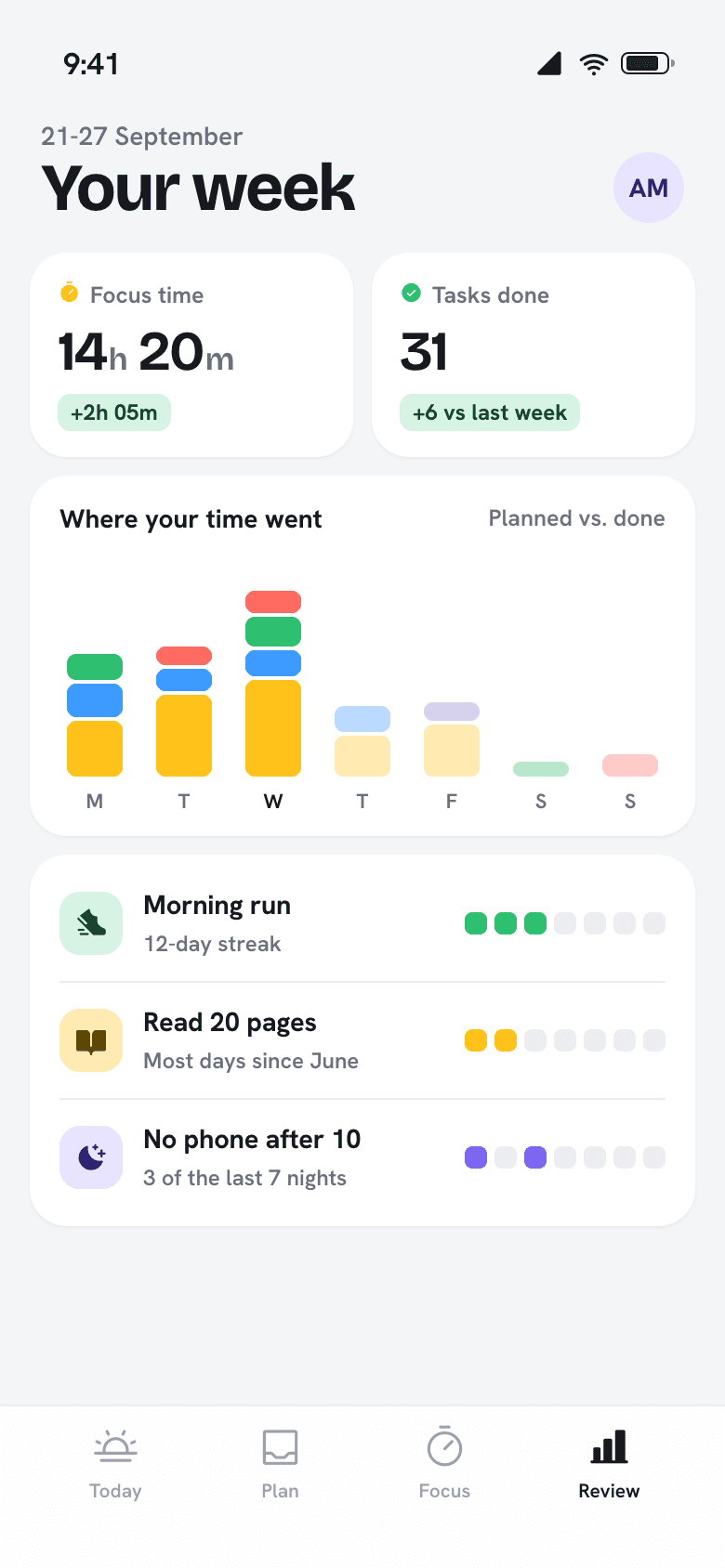
Calendar, tasks, focus, habits and travel time share one view, so planning takes minutes instead of a morning.

Your whole day on one screen.
Meetings, tasks and the gym sit on the same timeline, so you can see what fits before you say yes to it.
10:00
Built around the tools you already use.
Daybrim plugs into your calendars, video calls and health data. You don’t have to move anything.
Google Calendar
Two-way sync, all calendars
Outlook
Work and personal accounts
iCloud
Shared family calendars too
Apple Health
Runs, sleep and reading
Zoom
Join calls from any block
Google Meet
Links detected automatically
Slack
Status follows your focus
Todoist
Import lists in one step
13:00
The right amount of Daybrim on every screen.
Plan on the big screen, glance at the small ones.
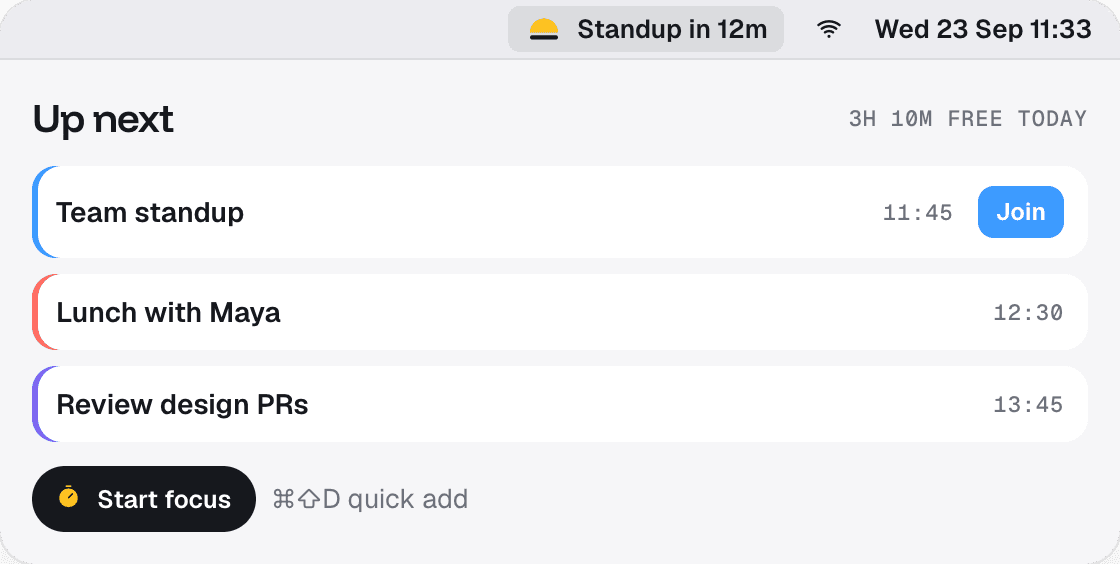
Mac menu bar
What’s next, one click to join, Command-Shift-D to add.
Apple Watch
Your focus timer on your wrist, with a tap when it’s time to stop.

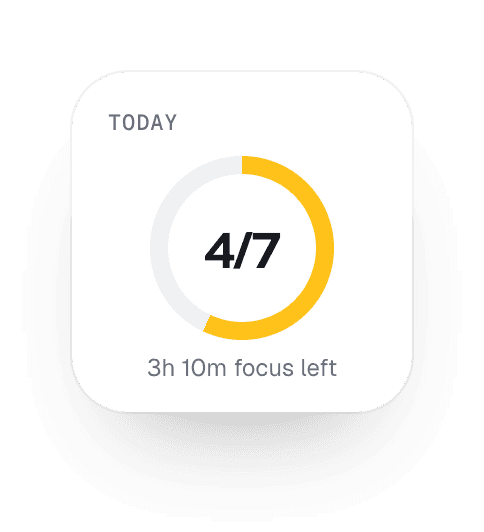
Widgets
Android and the web
Same timeline and shortcuts on Pixel, Galaxy and any browser.
15:30
Fast when you want it to be.
Every action has a shortcut on Mac and iPad keyboards. Most people learn three and never touch the mouse to plan.
Cmd Shift D
Quick add from any app
Cmd K
Jump to any day
F
Start focus on the current block
Cmd Up or Down
Move a block by 15 minutes
R
Open the weekly review
Cmd Return
Fit my inbox
17:00
A calendar knows when. A to-do list knows what. Daybrim knows both.
Daybrim
A calendar
A to-do list
Plans tasks into your free time
Knows how long it takes to get there
Partly
Silences notifications while you work
Shows the time you really spent
Moves unfinished work to a real slot
Partly
Works with the calendar you have
Partly
21:00
Plan tomorrow in two minutes tonight.
Free on iPhone, iPad, Mac, Apple Watch and Android.