Plan the day you actually have.

Daybrim puts your calendar, tasks and focus time on one timeline, so every plan fits the hours you really have.

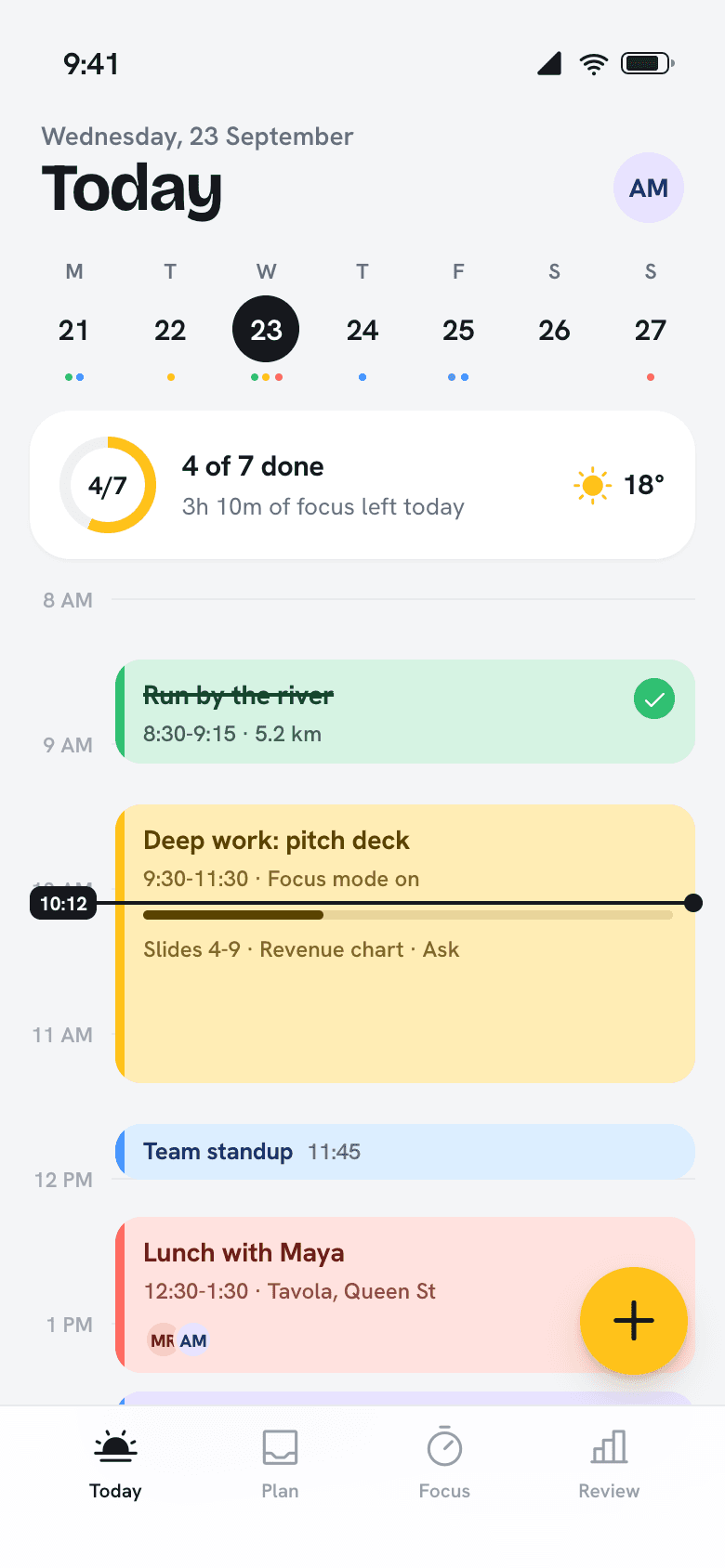
08:00 · Today view

Your whole day on one screen.

Meetings, tasks and the gym sit on the same timeline, so you can see what fits before you say yes to it.

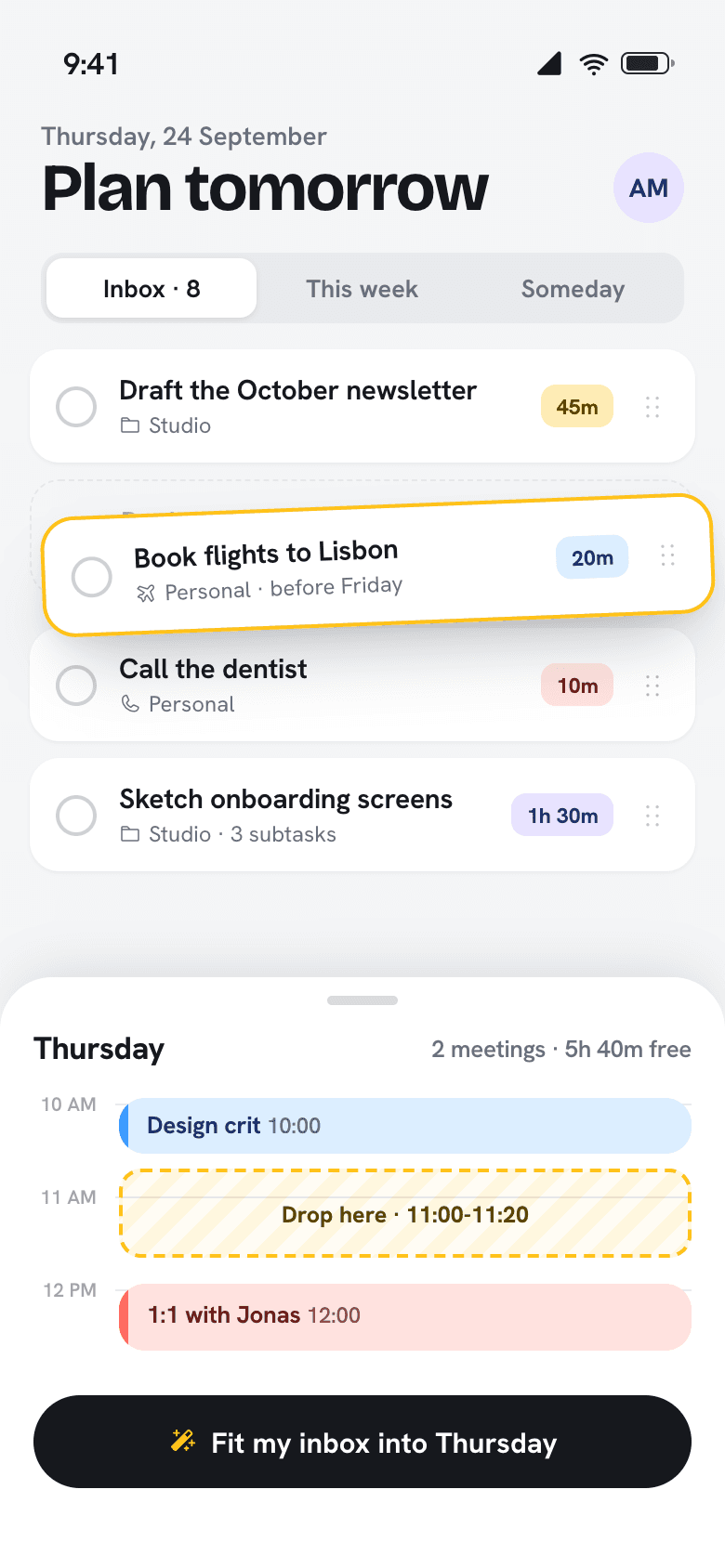
09:10 · Planning

Drag tomorrow into shape.

Pull tasks from your inbox onto the free gaps between meetings. Or let Daybrim fit them for you in one tap.

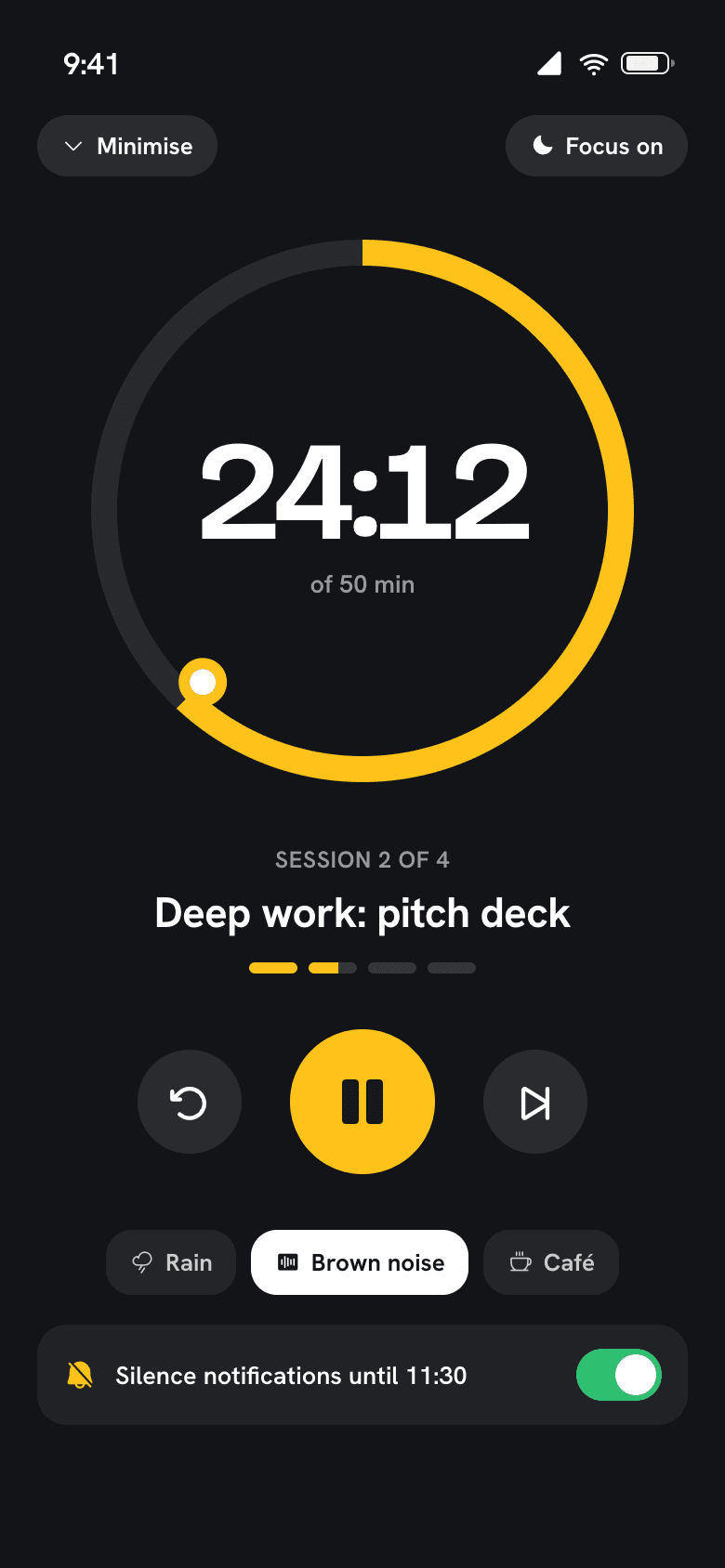
09:30 · Focus timer

Start the timer, silence the rest.

Focus sessions mute notifications until you're done and keep count of the time you actually spent.

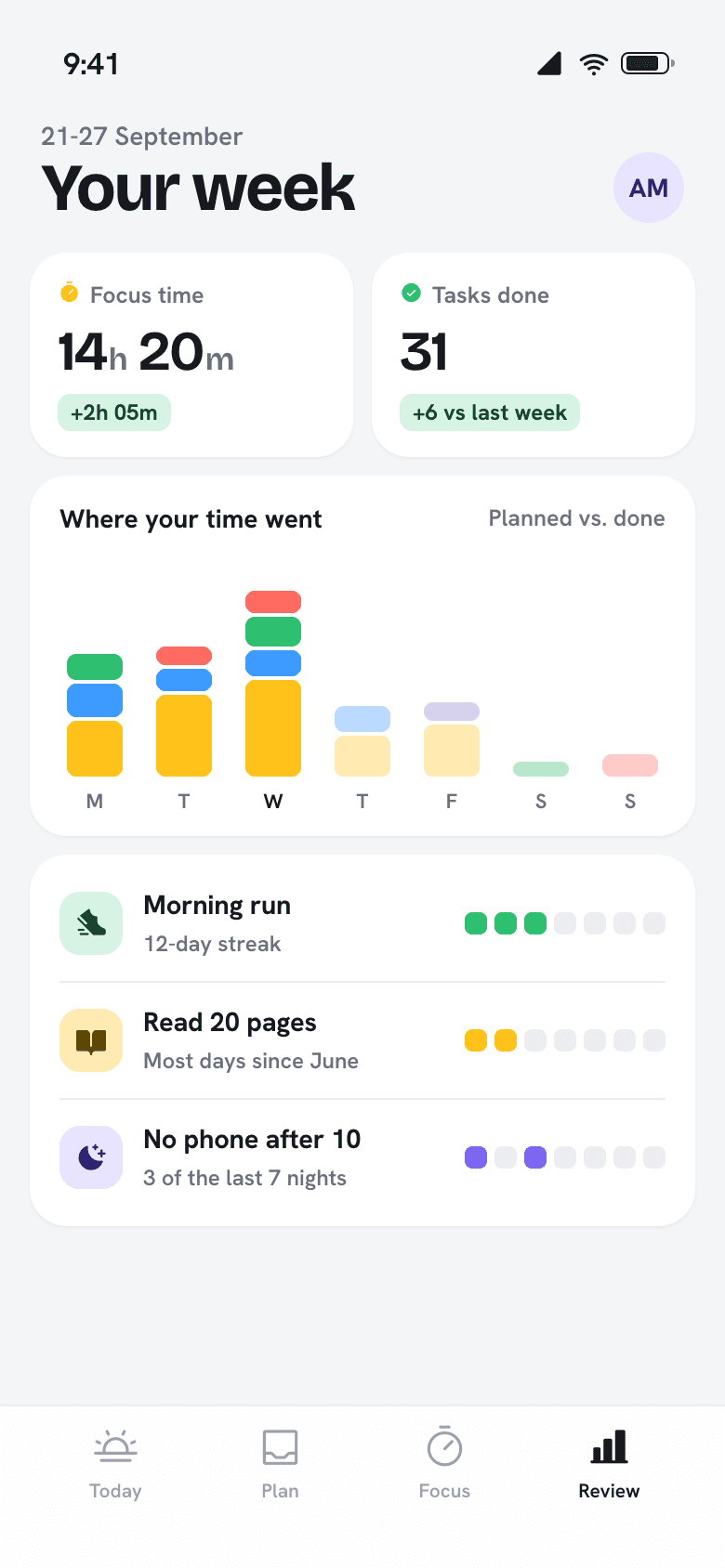
18:00 · Weekly review

See where the week went.

A short Sunday review shows planned against done, and which habits held up. No spreadsheets.

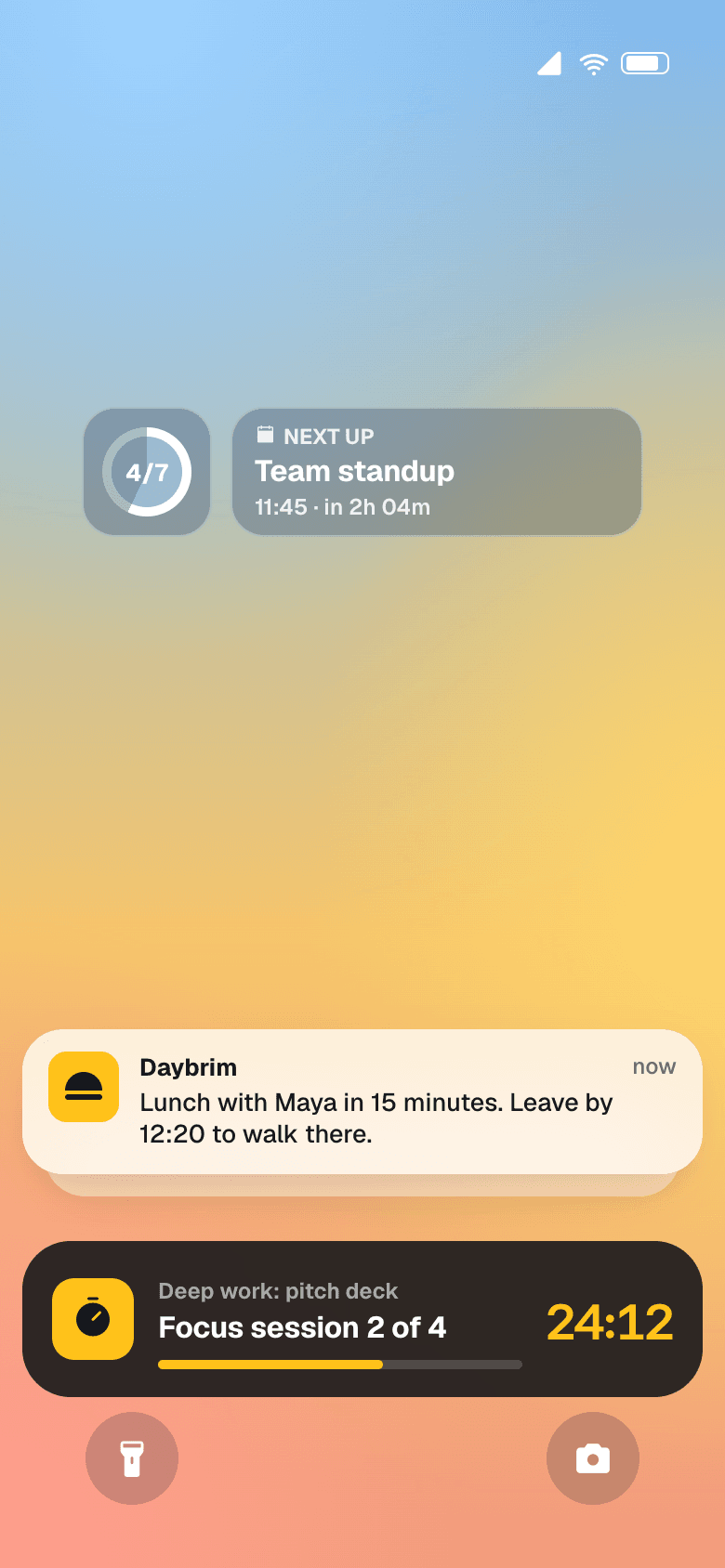
Lock screen with Daybrim widgets and a live focus timer
Your whole day on one screen.
Drag tomorrow into shape.
Start the timer, silence the rest.
See where the week went.

App Store rating from 31,200 people

Hours planned by Daybrim users last week

Average habit streak after the first month

To plan a whole day, once you’re set up

11:00

A day with Daybrim, hour by hour.

From the first alarm to the last look at tomorrow, here’s what the app does while you get on with things.

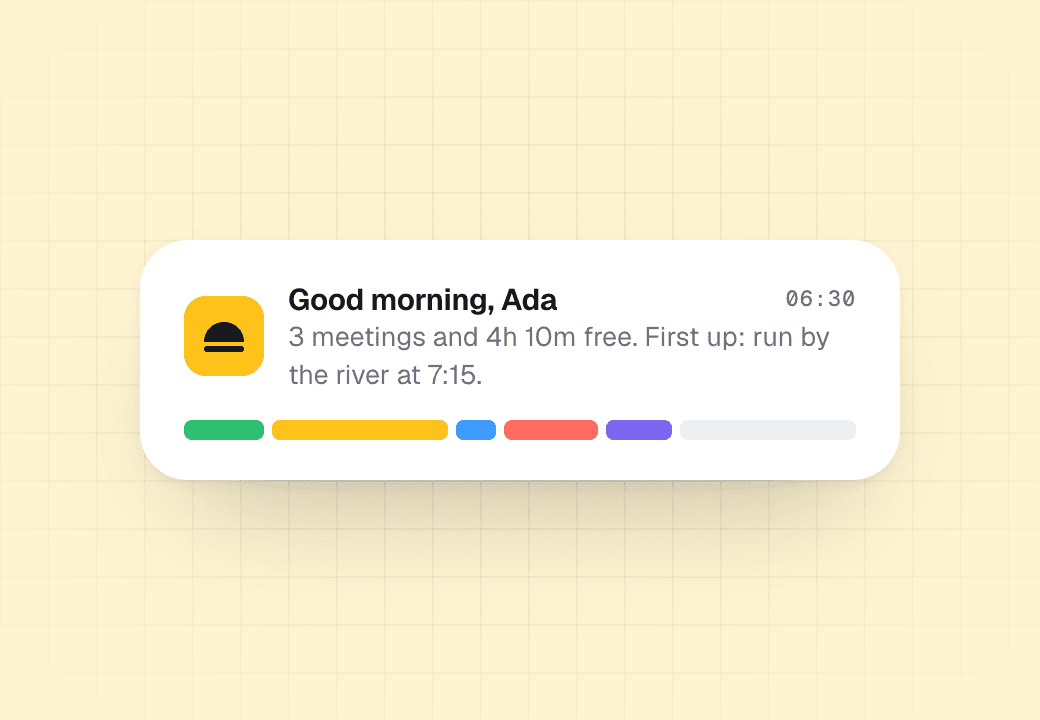
Morning brief notification
06:30

A brief before coffee

Your day in one line: meetings, free hours and the first thing to do.

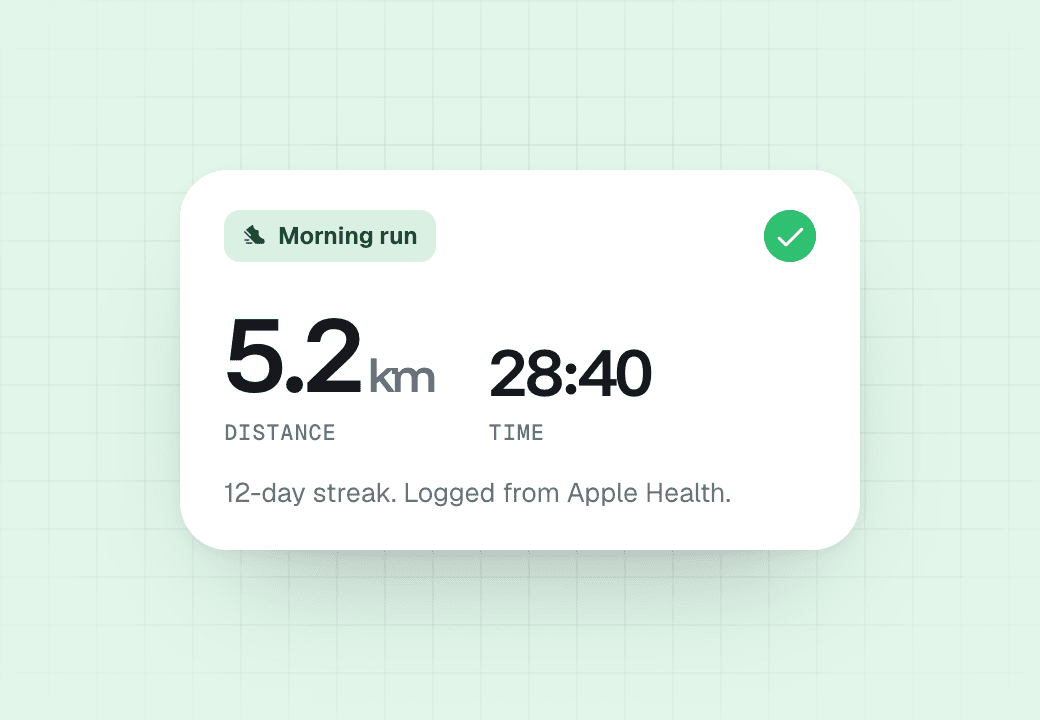
Morning run card with distance and time
07:15

Habits log themselves

Runs, reading and sleep come in from Apple Health and Google Fit.

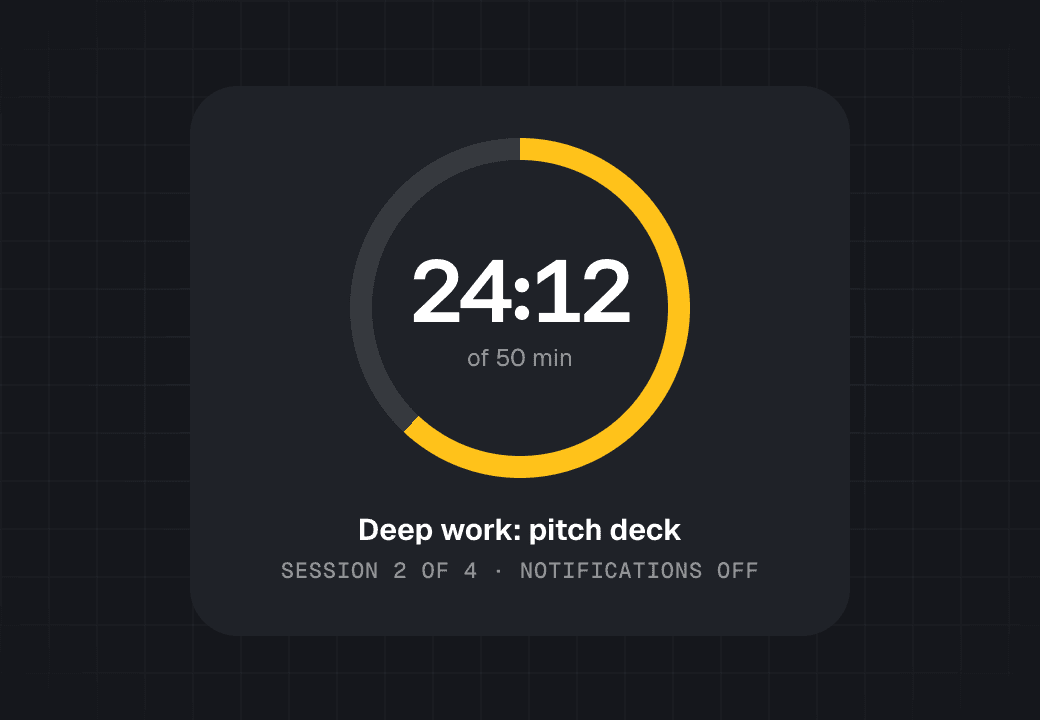
Focus timer at 24 minutes 12 seconds
09:30

Focus that means it

A two-hour block silences everything that can wait until 11:30.

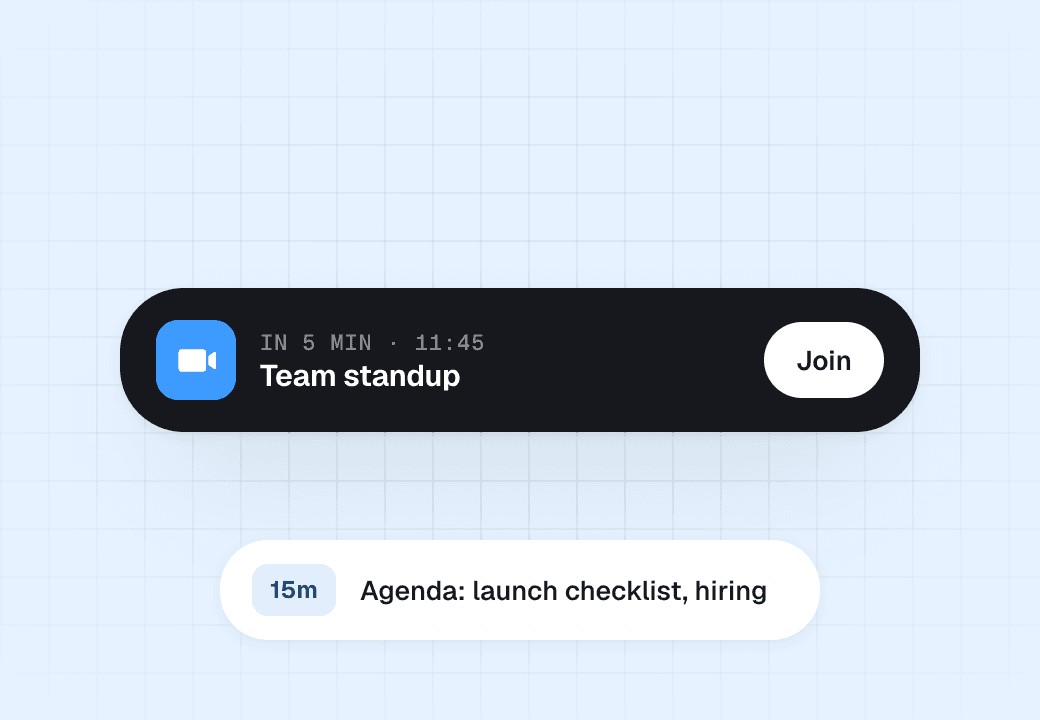
Standup reminder with a Join button
11:40

Nudged, not nagged

Five minutes before a call, one tap joins it. No calendar tab needed.

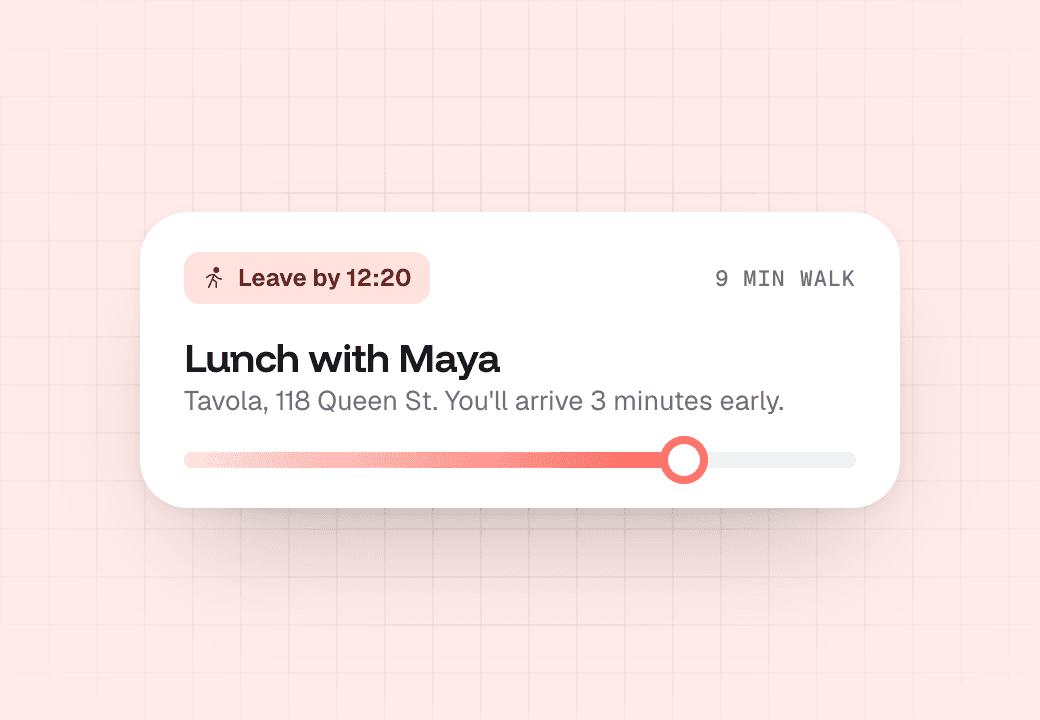
Leave-by card for lunch
12:20

Leave on time

Travel time is added to anything with an address, so lunch starts at 12:30.

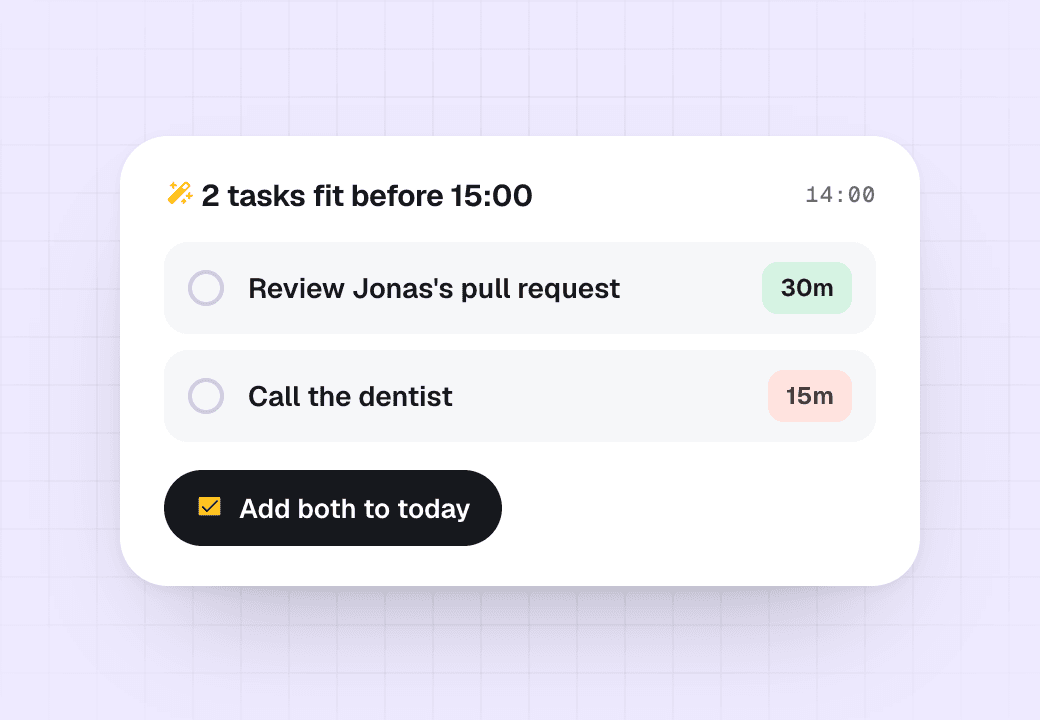
Suggestion to fit two tasks before 15:00
14:00

Gaps get used

When a meeting ends early, Daybrim suggests what fits in the time you got back.

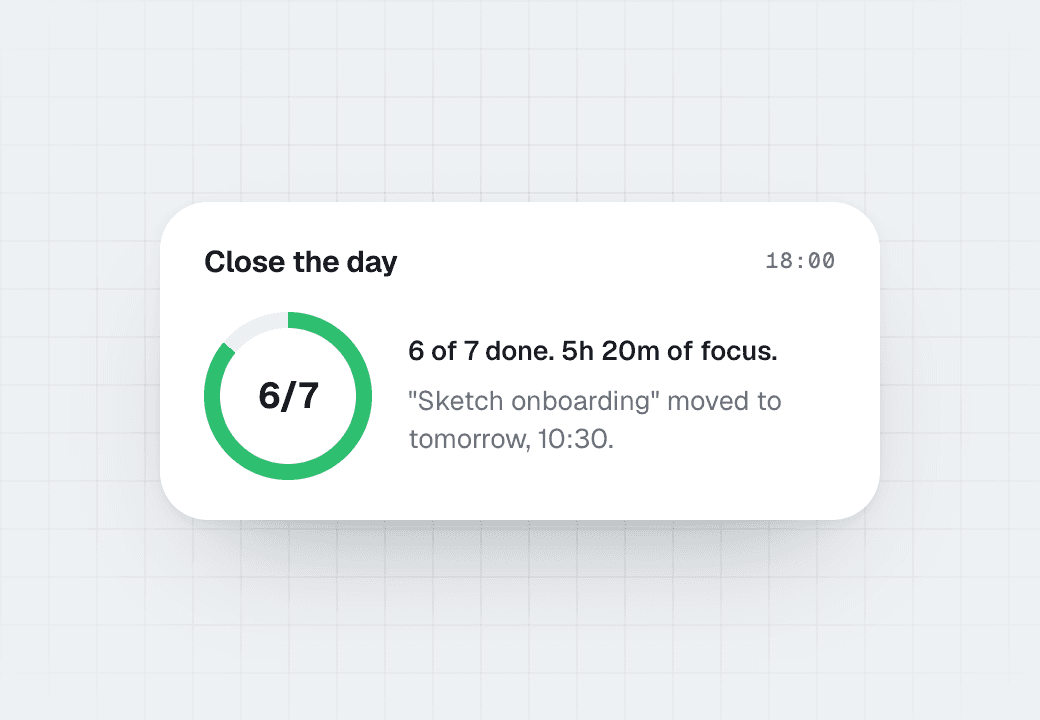
End of day summary, 6 of 7 done
18:00

Close the day

See what got done and move what didn't to a real slot tomorrow.

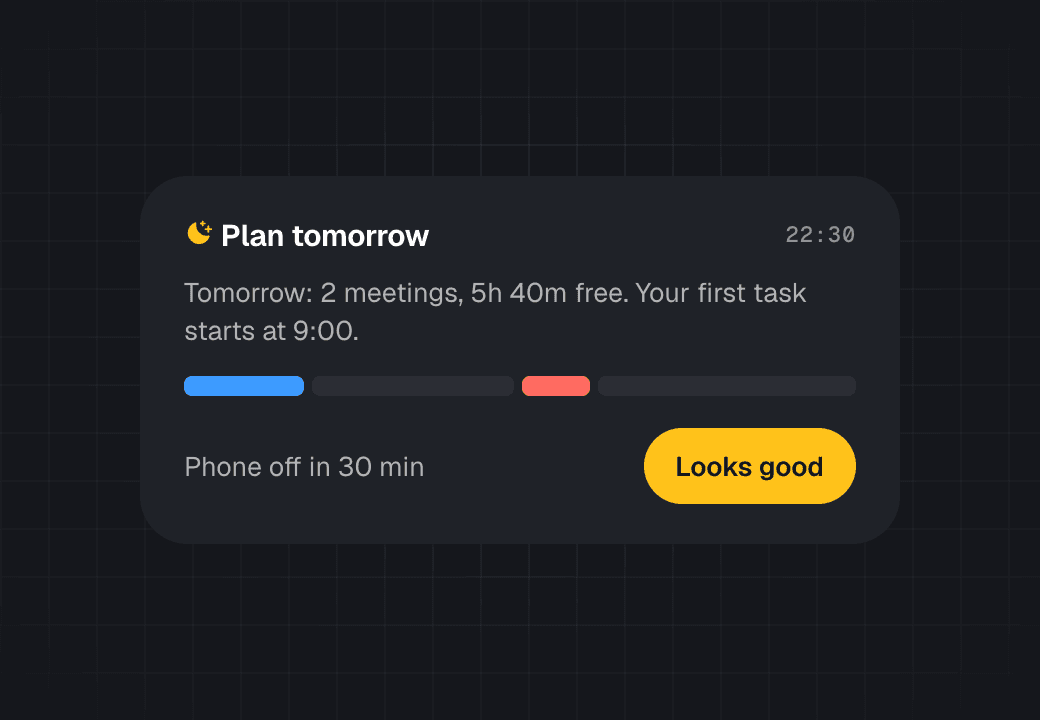
Evening plan for tomorrow
22:30

Tomorrow, sorted

A two-minute look at tomorrow, then your phone goes quiet.

12:30

Try it. Drag a task into Thursday.

No sign-up. This is the real planner running in your browser: drop tasks into gaps, or let it fit everything for you.

Thursday24 September
0m planned5h free
Inbox · 5
Book flights to LisbonPersonal20m
Draft the October newsletterStudio45m
Sketch onboarding screensStudio1h 30m
Call the dentistPersonal15m
Review Jonas's pull requestStudio30m
Design crit 10:00
1:1 with Jonas 12:00
Lunch 12:30
Client call, Harbour & Co 15:00

14:00

Starts on your phone. Follows you everywhere.

The same day on iPad, Mac and Apple Watch, synced in under a second. Android and the web too.

iPhone

iPad

Mac

Apple Watch

Android

Web

Daybrim week view on iPad
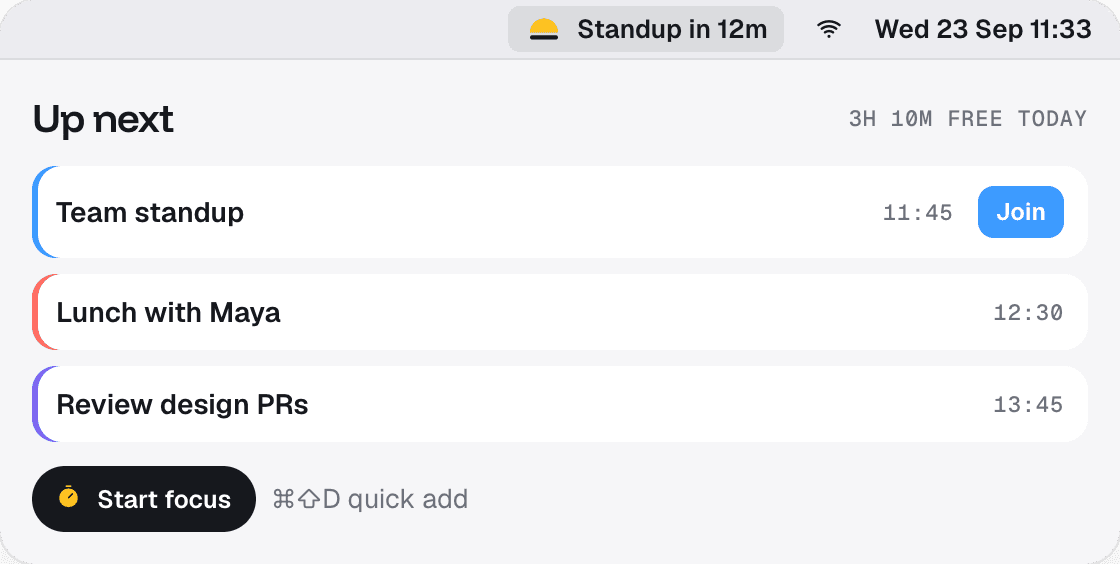
Daybrim in the Mac menu bar showing what's next
Focus timer on Apple Watch

15:00

Your day, before you unlock.

Widgets for the lock screen, home screen and StandBy show what’s next, what’s done and when to leave. Pick a size to see it.

Live Activities count down focus blocks

StandBy shows your next event on the nightstand

Tap any block to jump straight into it

Small

Medium

Large
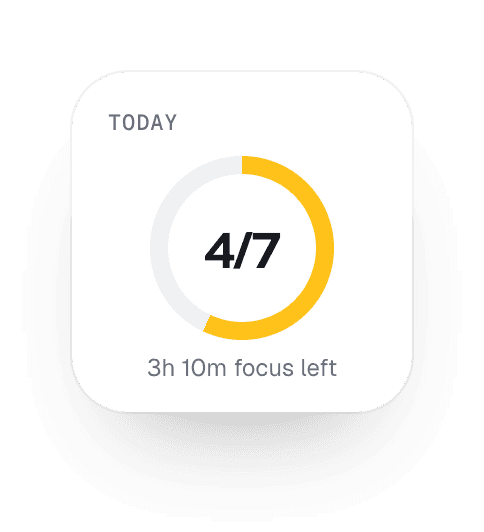
Small widget: 4 of 7 done
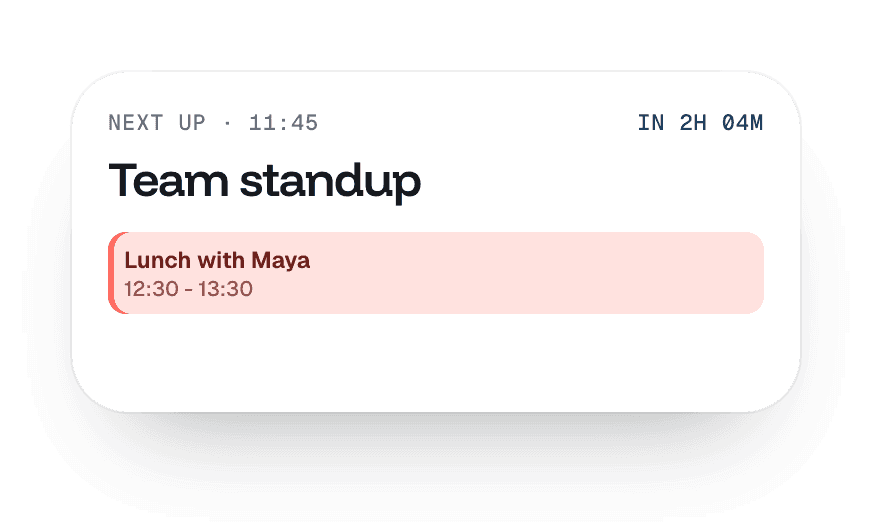
Medium widget: next up, team standup
Large widget: today's timeline

Glance at what’s done without opening the app.

16:30

of focus a week, up from 6.5 hours.

The median across 18,400 people in their first eight weeks with Daybrim. Most of the gain came from fewer, longer blocks.

12h6.5h14.3hWEEK 1WEEK 2WEEK 3WEEK 4WEEK 5WEEK 6WEEK 7WEEK 8
Goal: 12h a week

18:00

31,200 ratings. Here are a few.

  • ★★★★★

    Finally stopped double-booking myself

    I teach, freelance and have two kids. Seeing everything on one timeline is the first thing that has actually stuck.

    Priya Raman

    App Store · Aug 2026

  • ★★★★★

    Fit my inbox is magic

    I dump everything in the inbox at night and one tap fits it around my meetings. It even leaves me a lunch break.

    Tomás Herrera

    Google Play · Jul 2026

  • ★★★★★

    Calm, not another to-do list

    Other apps made me feel behind. This one shows me what's realistic today and quietly moves the rest.

    Hannah Okafor

    App Store · Sep 2026

  • ★★★★★

    The focus timer respects me

    It turns off notifications for exactly the block I planned and counts the real time. My deep work doubled.

    Kenji Sato

    App Store · Jun 2026

  • ★★★★★

    Leave-by reminders saved my mornings

    It knows the café is nine minutes away and tells me when to go. I have not been late to a school run since.

    Aoife Byrne

    Google Play · Aug 2026

  • ★★★★★

    The Sunday review is my favourite bit

    Five minutes, one screen, and I know where the week went. It is honest without being preachy.

    Marcus Lindqvist

    App Store · May 2026

  • ★★★★★

    Works on every device I own

    Phone, iPad, Watch and the Mac menu bar all stay in sync. The widget alone is worth it.

    Sofia Marchetti

    App Store · Sep 2026

  • ★★★★★

    Planning takes two minutes now

    I used to spend Monday mornings shuffling a calendar. Now I drag five things into gaps and I'm done.

    Daniel Mensah

    Google Play · Sep 2026

19:00

Free to start. Pro when you’re ready.

Every plan includes the timeline, the inbox and the focus timer. Students and teachers get Pro free, just email us.

Monthly

Yearly

Save 33%

Free

$0

forever

Everything you need to plan one person’s day.

Today and week timeline

Inbox with 3 lists

Two calendars synced

Focus timer

Pro

Most picked

$6

a month

For people whose calendar runs their day.

Everything in Free

Fit my inbox auto-planning

Unlimited calendars and lists

Weekly review and habits

Mac, iPad and Watch apps

Family

$10

a month for up to 5 people

Shared calendars and chores for a household.

Everything in Pro, for 5 people

Shared family timeline

Chores that rotate themselves

One bill, separate privacy

Monthly

Yearly

Save 33%

Free

$0

forever

Everything you need to plan one person’s day.

Today and week timeline

Inbox with 3 lists

Two calendars synced

Focus timer

Pro

Most picked

$6

a month

For people whose calendar runs their day.

Everything in Free

Fit my inbox auto-planning

Unlimited calendars and lists

Weekly review and habits

Mac, iPad and Watch apps

Family

$10

a month for up to 5 people

Shared calendars and chores for a household.

Everything in Pro, for 5 people

Shared family timeline

Chores that rotate themselves

One bill, separate privacy

20:30

Questions, answered.

Still stuck? The help centre has 40 short guides, or write to us and a person replies within a day.

Does Daybrim work with the calendar I already use?

What happens to tasks I don't finish?

Is my calendar data private?

Can I use it with my team?

Do I need Pro?

How do I cancel?

21:00 · Tonight

Plan tomorrow before you close the laptop.

Two minutes tonight, a calmer morning tomorrow. Free on iPhone and Android.
Scan to download
Point your phone camera here. It opens the right store for your phone.

Create a free website with Framer, the website builder loved by startups, designers and agencies.